
When you have digital currency in your Celery account, navigate to the Send page.
1. Check your Available Balance of digital currency. You can only send the amounts shown in this table.
2. Go to a retailer's site that accepts bitcoin or dogecoin to find items you want to buy. Or you can search by item, we suggest using this site.
3. Go to their checkout page. You will need the bitcoin, litecoin or dogecoin quantity to pay for the item(s), and the digital currency address - a long string of numbers and letters.
4. On the Celery Send page, enter the exact bitcoin, litecoin or dogecoin quantity specified by the retailer.
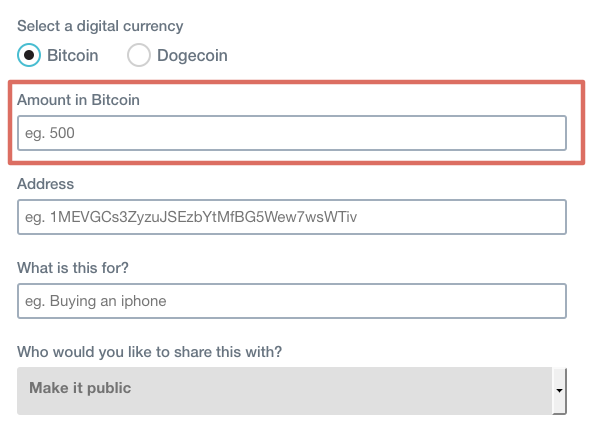
5. Copy and paste the bitcoin, litecoin or dogecoin address (the long string of numbers and letters) into the Address field on Celery's Send page.
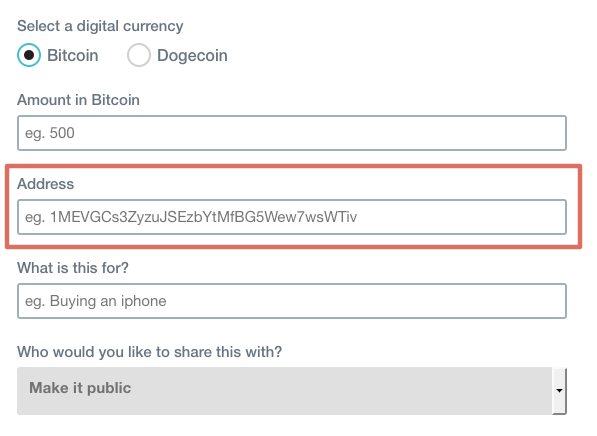
6. Confirm the amounts - digital currency payments are permanent and not reversible. Then click Send!
Your transaction will appear in your History on the Send page.
Congratulations on using digital currency!
hey why does not allow my account to send btc to other wallet!!!
please resolve this